
Blog
Read what's happening in FirstouchKiosk | Keep update yourself about best digital signage solution & technology. Learn how digital signage / digital kiosk / digital notice board and digital standees can help in your business growth.
Read what's happening in FirstouchKiosk | Keep update yourself about best digital signage solution & technology. Learn how digital signage / digital kiosk / digital notice board and digital standees can help in your business growth.
 Touch Screen Kiosk |
  5th Sep 2026
Investing in an interactive kiosk looks simple from the outside pick a touchscreen, add some software, plug it in. In practice, it’s one of the easiest technology purchases to get wrong. Businesses regularly overspend on hardware they don’t need, underspend on the enclosure that has to survive years of public use, or choose a software platform that can’t grow with them.
This interactive kiosk buying guide breaks the decision down into the factors that actually determine whether your kiosk investment pays off — from touchscreen technology and form factor to total cost of ownership and vendor red flags. Whether you’re evaluating an interactive kiosk for a retail store, a healthcare check-in kiosk, or a self-service kiosk for a restaurant, the framework below applies.
An interactive kiosk is a self-service terminal typically a touchscreen paired with a computer, and sometimes additional hardware like card readers, printers, or scanners that lets customers or employees complete a task without staff assistance. That could mean checking out at a grocery store, checking in at a clinic, renewing a license at a DMV, or looking up a product in a mall directory.
The category has grown well beyond simple information displays. Interactive kiosks are increasingly built around three shifts: AI-driven personalization, touchless interaction methods, and deeper integration with payment and backend systems. That evolution is exactly why “what to look for” has become a more complicated question than it was five years ago — you’re no longer just buying a screen, you’re buying a small, purpose-built computer system that needs to run reliably in public for years.
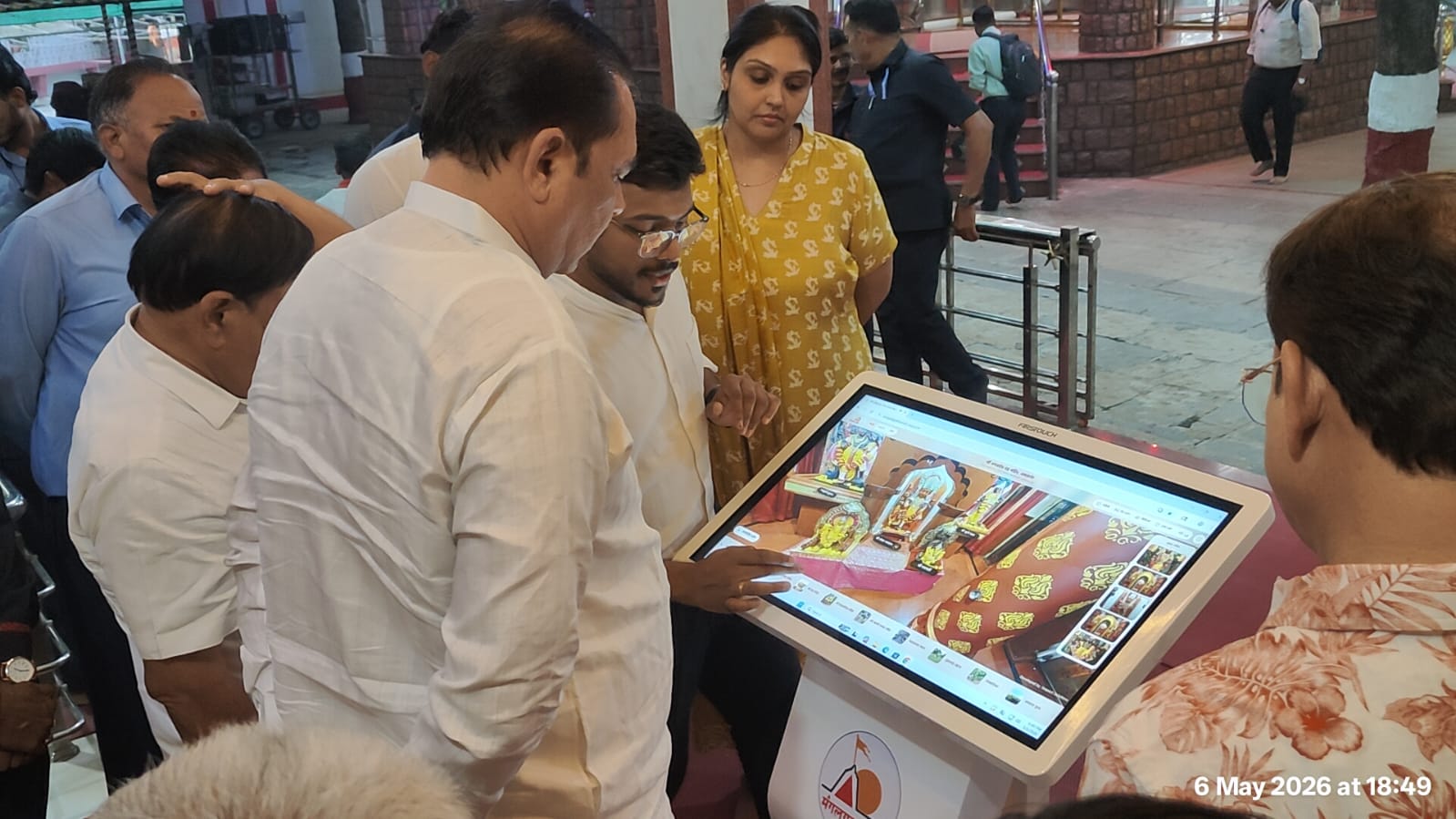
The single biggest mistake buyers make is shopping for “a kiosk” before defining what it needs to do. An interactive kiosk for retail self-checkout has completely different requirements than a healthcare patient check-in kiosk, a wayfinding kiosk for a shopping mall, or an outdoor ticketing kiosk at a transit hub.
Before requesting quotes, write down:
This single step will eliminate half the products in the market and save you from paying for features you’ll never use.
Not all touchscreens are built the same, and the technology you choose affects durability, cost, and usability:
If your kiosk will sit outdoors or in a cold-storage retail environment where users wear gloves, IR or optical technology is generally the safer long-term choice over capacitive.
Where the kiosk physically lives should shape the enclosure you buy — not the other way around. A frequent and costly mistake is specifying an indoor-rated enclosure for a location that is technically covered but functionally outdoor, such as a drive-thru canopy, a transit platform, or a loading vestibule exposed to wind-driven rain and temperature swings.
Key form-factor decisions include:
Getting this wrong doesn’t just look bad — it generates a steady stream of service calls once the unit is deployed.
The internal compute specification determines whether your kiosk feels snappy or sluggish for years, not just on day one. As a general benchmark for a commercial-grade unit running multimedia content, self-service software, or AI-based personalization:
Under-speccing hardware to save a few hundred dollars upfront is one of the most common regrets buyers report once real-world usage begins.
The screen and enclosure are the least important part of the long-term relationship — the software platform is what you’ll actually live with. Before committing, check:
An interactive kiosk software platform that can’t be updated remotely will cost you far more in truck rolls and downtime than it saves in sticker price.
This is the fastest-moving part of the market heading into 2027. AI-enabled kiosks increasingly use computer vision and on-device processing to tailor product recommendations, adjust content based on general demographics, and support natural-language ordering instead of static menus — with much of that personalization processed at the edge rather than sent to the cloud, which helps address privacy concerns.
If your business is in retail, quick-service dining, or hospitality, ask vendors directly:
You don’t need every AI feature on day one, but choosing a platform that can add them later avoids a full replacement cycle in two years.
If the kiosk needs to handle transactions, confirm compatibility before you buy, not after installation. Common peripherals to evaluate:
Each added peripheral increases both upfront cost and long-term maintenance needs, so map these back to your use case from step one rather than adding them “just in case.”
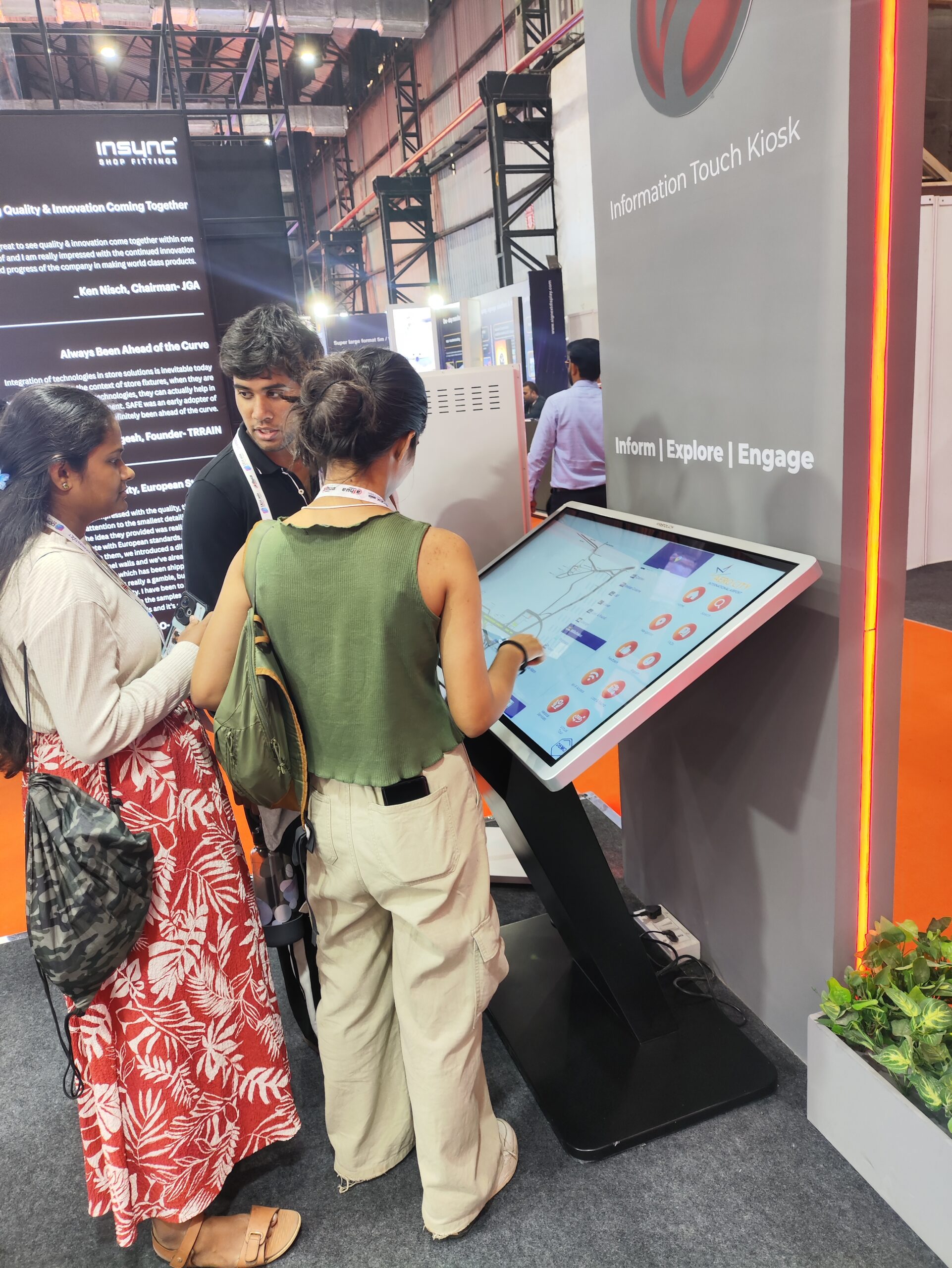
Accessibility isn’t optional for kiosks serving the public, and it’s an area regulators and industry groups are actively emphasizing in 2026 alongside AI and payments. Look for:
Building accessibility in at the purchasing stage is dramatically cheaper than retrofitting a fleet of kiosks after a compliance complaint.
An interactive kiosk sitting on your network is a potential entry point if it isn’t secured properly. Confirm the vendor supports:
The purchase price is only one line in the real budget. A realistic total cost of ownership includes hardware, software licensing, installation, networking, and ongoing support — and buyers who only budget for the unit itself are consistently surprised by year-two costs.
Based on current market pricing across vendors, interactive kiosk costs generally fall into three tiers:
| Tier | Price Range (INR) | What You Get |
|---|---|---|
| Budget | ₹70,000 – ₹1,50,000 | Entry-level touchscreen, Android OS, minimal peripherals — suited to low-traffic, short-deployment use cases |
| Mid-Range | ₹1,50,000 – ₹4,50,000 | Commercial-grade build, Windows or Android, IR touchscreen, optional printers/scanners — suited to retail, hospitality, and clinics |
| Premium | ₹4,50,000 – ₹11,00,000+ | Ruggedized, weatherproof enclosures, advanced security, ADA compliance, remote diagnostics — suited to airports, government facilities, and outdoor deployment |
(Customization – Approximate cost at branding, custom enclosures, or software modifications typically add 15–30% to the base unit cost)
Beyond the hardware itself, plan for these recurring costs:
A single mid-range kiosk, amortized over a typical 3–5 year useful life with software and support included, often works out to a few thousand rupees a month per unit rather than a one-time expense — a framing that helps when building an internal business case.
Even experienced buyers fall into predictable traps. Watch for:
If you’re evaluating manufacturers rather than building a custom unit from scratch, Firstouch is a brand worth putting on your shortlist. The Delhi/NCR-based company has over a decade of experience designing and manufacturing digital displays, touchscreens, and interactive kiosks for the Indian market — including self-checkout kiosks for retail, visitor-management kiosks for offices, hospitals, and schools, and outdoor digital signage. Their in-house manufacturing setup (working across fiberglass, sheet metal, and stainless steel enclosures) is useful for buyers who want a single vendor covering hardware, software, and after-sales support rather than stitching together components from multiple suppliers. As with any vendor, run Firstouch through the same seven-question checklist below before signing off.
Before signing a contract, ask every vendor on your shortlist:
A vendor that answers all seven clearly and in writing is a far safer bet than the one offering the lowest sticker price.
How much does an interactive kiosk cost in 2027? Prices generally range from around ₹70,000 for a basic indoor unit to ₹11,00,000 or more for a ruggedized, ADA-compliant outdoor kiosk with advanced security and diagnostics. Most commercial retail or healthcare deployments fall in the ₹1,50,000–₹4,50,000 mid-range tier once software and installation are included.
What is the typical lifespan of an interactive kiosk? Most interactive kiosks have a useful operational life of three to five years before hardware refresh becomes more cost-effective than continued maintenance.
Do interactive kiosks need to be ADA compliant? Any kiosk serving the general public should meet accessibility standards, including adjustable height, audio support, and alternatives to touch-only navigation, both to serve all users and to reduce compliance risk.
What’s the difference between an indoor and outdoor interactive kiosk? Outdoor kiosks require weatherproof enclosures, sunlight-readable displays, and a wider operating temperature range, which typically makes them 30–50% more expensive than a comparable indoor unit.
Is AI necessary in an interactive kiosk purchase? Not for every use case, but choosing a platform capable of adding AI-based personalization, recommendations, or voice ordering later avoids a full hardware and software replacement as the technology becomes standard across retail and hospitality.
Android or Windows — which is better for a kiosk? Android tends to suit simpler, lighter kiosk applications at a lower cost, while Windows offers broader compatibility with enterprise POS, EHR, and CRM systems where deeper integration is required.
The right interactive kiosk isn’t the one with the most features or the lowest price it’s the one specified against a clearly defined use case, built for the environment it will actually sit in, and backed by a vendor who can support it for the full multi-year lifespan. Work through the ten factors above before requesting quotes, and you’ll be evaluating vendors on the details that actually matter instead of a glossy spec sheet.
BACK TO BLOG
we are always happy to help in ways that we can.


