
Blog
Read what's happening in FirstouchKiosk | Keep update yourself about best digital signage solution & technology. Learn how digital signage / digital kiosk / digital notice board and digital standees can help in your business growth.
Read what's happening in FirstouchKiosk | Keep update yourself about best digital signage solution & technology. Learn how digital signage / digital kiosk / digital notice board and digital standees can help in your business growth.
 Touch Screen Kiosk |
  5th Oct 2026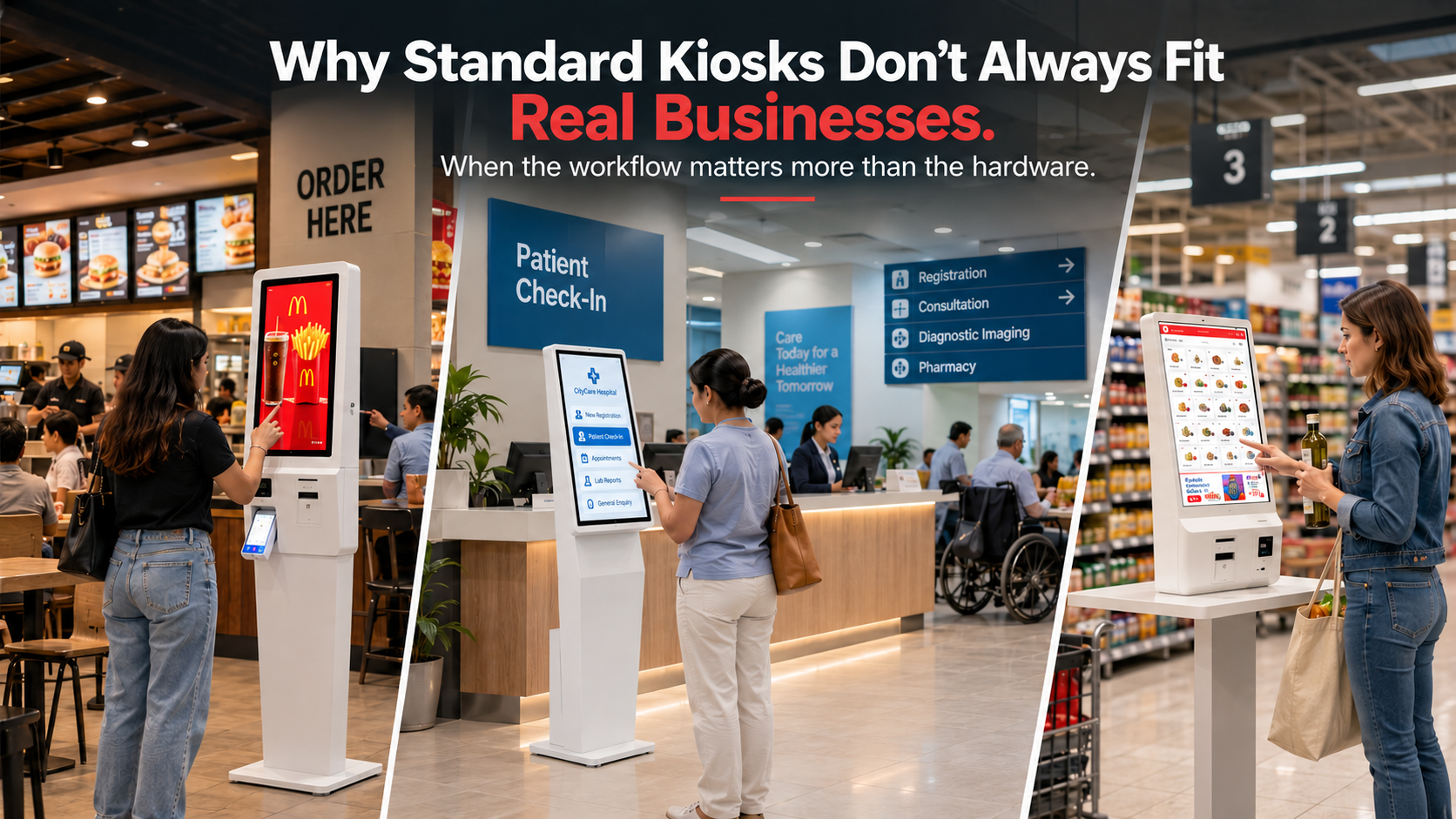
A practical guide to choosing self-service kiosk solutions around real workflows, spaces, customers and business requirements
A kiosk can look simple from the outside.
A screen. A stand. A touch interface. Perhaps a printer, scanner, payment terminal or camera.
But the moment a business tries to deploy one in the real world, the complexity becomes obvious.
A restaurant needs a kiosk that fits its ordering journey. A hospital needs one that works within a more sensitive and structured environment. An airport may need a completely different combination of space, durability, connectivity and passenger interaction. A retail business may care more about checkout, product discovery and payment integration.
The hardware may look similar.
The business requirements are not.
That is why a standard, off-the-shelf kiosk is not always the right answer.
The better question is not:
“Which kiosk model should we buy?”
It is:
“What should this kiosk help our customers and employees accomplish?”
That change in thinking can make the difference between installing a device and building a genuinely useful self-service experience.
Standardization has obvious advantages.
A catalogue product can be faster to specify, easier to compare and potentially simpler to procure. For straightforward applications, a standard configuration may be exactly what a business needs.
The problem begins when the business workflow does not match the product.
A standard kiosk may have the right screen size but the wrong height.
It may have the right enclosure but not the right peripherals.
It may support touch interaction but not the payment, printing, scanning or software requirements of the application.
It may fit technically but feel completely out of place in the environment.
And sometimes, the biggest problem is more fundamental:
the kiosk has been selected before the business has defined what the kiosk is supposed to solve.
A better approach starts with the workflow.
A custom self-service kiosk is a kiosk solution designed around a specific business application rather than being limited to a predetermined hardware configuration.
Customization can involve much more than changing the colour or adding a logo.
Depending on the application, it can include:
The important distinction is this:
Customization should serve a business requirement. It should not exist merely for customization’s sake.
The right choice depends on the application.
| Business consideration | Standard kiosk | Custom kiosk |
|---|---|---|
| Straightforward use case | Often suitable | Suitable |
| Fixed hardware configuration | Strong fit | Can be configured |
| Unique workflow | May require compromises | Designed around the workflow |
| Unusual physical space | Can be restrictive | Can be engineered for the space |
| Specialized peripherals | Limited by configuration | Can accommodate requirements |
| Brand integration | Basic to moderate | Highly adaptable |
| Complex software integration | Depends on platform | Can be planned around the application |
| Multiple business requirements | May require compromises | Can combine requirements |
| Large-scale deployment | Can be efficient | Can be standardized after customization |
| Highly specific customer journey | May not be ideal | Strong fit |
The point is not that custom kiosks are always better.
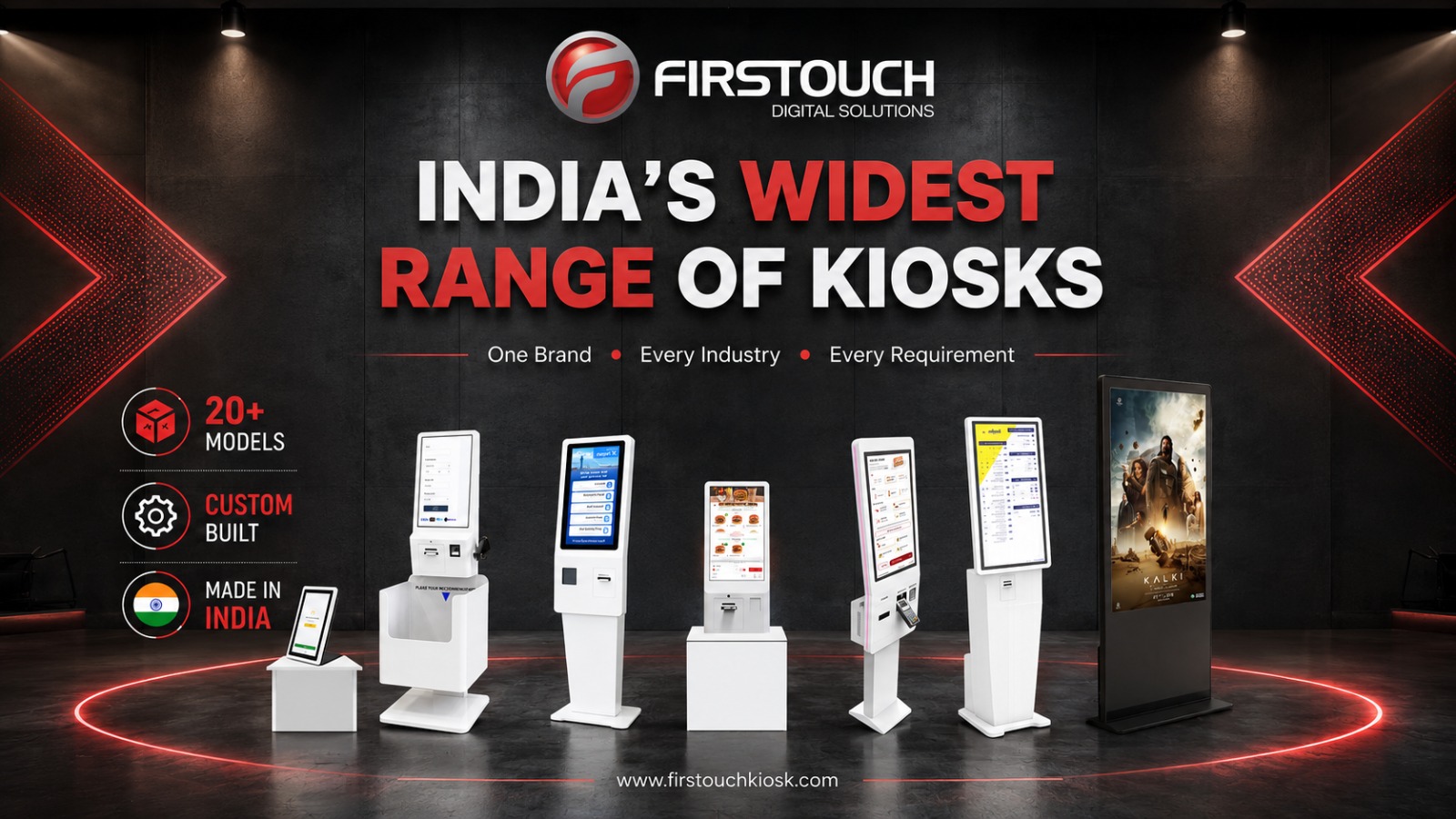
The point is that the right Self-Service kiosk is the one that fits the job.
A kiosk is ultimately an interface between a customer and a business process.
Consider three examples.
A QSR customer might need to:
Browse → Customize → Order → Pay → Collect
A hospital visitor might need to:
Identify → Register → Select Service → Receive Instructions → Proceed
An airport passenger might need to:
Identify → Check Details → Complete Process → Receive Confirmation
The physical kiosk may look similar.
The workflow is completely different.
That means the hardware, interface, peripherals, positioning and software should be evaluated against the actual journey.
A business should therefore define the workflow before selecting the kiosk.
Don’t ask:
“Which kiosk do you sell?”
Ask:
“What does the customer need to complete?”
That question produces a much better technology decision.
A self-service kiosk may need to operate in a premium retail environment, a crowded restaurant, a hospital corridor, an airport terminal, a government facility or an outdoor-adjacent public space.
Each environment introduces different constraints.
There may be:
A catalogue kiosk is designed around its own dimensions.
A business needs a solution designed around its environment.
That distinction becomes especially important when the kiosk is part of the physical customer experience.
The kiosk should not feel like something that was simply placed into the space.
It should feel like it belongs there.
A touchscreen alone does not make a self-service kiosk successful.
The required interaction determines the supporting hardware.
For example, a self-ordering application may require:
A self-checkout application may require:
An information kiosk may prioritize:
This is why kiosk selection should begin with the job to be done, not the specification sheet.
The hardware exists to support the experience.
There is no universal definition of a “business kiosk.”
The application changes the requirements.
The priority may be faster ordering, menu exploration, customization, payment and reducing dependence on the traditional counter.
The kiosk might support product discovery, self-checkout, product information, loyalty, ordering or assisted selling.
The focus may be registration, check-in, information access or other structured interactions.
The kiosk may support check-in, information, navigation, ticketing or other high-footfall interactions.
Kiosks can support check-in, guest information and self-service experiences.
The emphasis may be information access, registration, service requests or transaction-oriented self-service.
Information and wayfinding can become the primary requirement.
Your own product planning reflects this application-led approach, mapping different kiosk types to different business needs rather than treating “kiosk” as a single product category.
One of the most common mistakes in self-service kiosk buying is focusing heavily on the visible hardware.
The screen is easy to evaluate.
The integration is where much of the business value can live.
A kiosk may need to communicate with:
A kiosk that looks impressive but cannot integrate properly with the surrounding business process is not a successful kiosk deployment.
It is simply an expensive touchscreen.
The best kiosk strategy considers the complete technology ecosystem.
Self-service is often described entirely from the customer’s perspective.
That is only half the equation.
A kiosk also changes what employees do.
If customers complete routine tasks independently, staff may need to shift from repetitive transactions toward:
That means the kiosk should be designed not only for customer interaction but also for the people who support it.
A good solution considers questions such as:
What happens when the customer gets stuck?
Who supports the kiosk?
How is the device monitored?
How are faults reported?
How are consumables replaced?
How is content or software updated?
What happens during peak demand?
These questions rarely appear in a simple product catalogue.
They are part of the real business case.
Price comparisons can be misleading.
Two kiosks may have completely different capabilities.
One may require additional hardware, software development, integration work or physical modifications after purchase.
Another may cost more initially but be designed around the complete application.
That is why businesses should evaluate total solution cost, not simply the initial hardware price.
Consider:
Hardware + Software + Integration + Installation + Support + Maintenance + Operational Efficiency
A lower-priced kiosk that creates operational compromises may ultimately cost more.
The right question is not:
“Which self-service kiosk costs less?”
It is:
“Which solution creates the best business outcome for the required workflow?”
Custom does not automatically mean better.
A standard kiosk can be the right choice when:
If the standard product genuinely solves the problem, there is no reason to make the solution more complicated.
Good engineering is not about adding complexity.
It is about adding the right complexity where it creates value.
A custom solution becomes more compelling when the business has requirements that do not fit neatly into an existing configuration.
Look more closely at customization when you have:
The customer needs to complete several steps that are specific to your business.
The kiosk must fit a particular wall, counter, footprint or architectural layout.
You need combinations of scanners, printers, payment devices, cameras or other peripherals.
The kiosk needs to work with existing enterprise or operational systems.
The kiosk is part of a premium customer-facing environment and needs to feel integrated with the brand.
The same kiosk may need to support information, transactions, engagement and lead capture.
The business needs a repeatable kiosk architecture that can eventually be deployed across multiple locations.
In these cases, customization is not a luxury.
It can be a practical way to eliminate compromises.
Instead of beginning with product specifications, work through the following sequence.
Where is the customer or employee experiencing friction?
Is it:
Start there.
Your existing Firstouch positioning captures this principle well: the question is not simply whether a business needs a kiosk, but where the bottleneck is and whether self-service can remove friction from that journey.
What exactly should the customer accomplish?
Write it as a simple journey.
Find → Select → Complete
or
Register → Confirm → Proceed
or
Browse → Customize → Pay → Collect
If the journey cannot be explained clearly, the kiosk specification probably isn’t ready either.
Document:
Only now should you specify:
Finally, decide what success means.
It might be:
This keeps the kiosk connected to the business instead of treating it as an isolated piece of hardware.
| If your business requirement is… | Consider… |
|---|---|
| Simple, predictable self-service | Standard kiosk |
| Basic information display | Standard information kiosk |
| Straightforward ordering | Standard self-ordering configuration |
| Unique customer workflow | Custom kiosk |
| Specialized integrations | Custom or configurable solution |
| Unusual physical environment | Custom kiosk |
| Multiple peripherals | Configurable/custom kiosk |
| Strong architectural branding | Custom kiosk |
| Complex enterprise integration | Custom solution |
| Multi-location deployment | Standardized custom architecture |
The goal is not to make every kiosk unique.
The goal is to make every kiosk fit for purpose.
A kiosk should be treated as part of a business process—not simply as hardware.
This is closely aligned with the broader shift toward human-intent-led SEO and product-led growth described in your reference material: start with what the user is actually trying to accomplish, then design the solution around that job.
The same principle applies to kiosk engineering.
Start with the customer.
Then the workflow.
Then the environment.
Then the technology.
Then the hardware.
Not the other way around.
That sequence produces better conversations between business teams, designers, software teams, engineers and kiosk manufacturers.
It also makes it easier to identify when a standard solution is sufficient—and when customization is genuinely justified.
It is tempting to assume that the best kiosk is the one with the longest specification sheet.
That is rarely the right measure.
A successful kiosk should make the intended task easier.
It should remove unnecessary friction.
It should fit the environment.
It should make sense to the customer.
It should work with the business’s existing systems.
And it should be maintainable after installation.
In other words:
The best kiosk is not necessarily the one with the most technology.
It is the one where the technology is most relevant to the job.
That is where custom kiosk engineering becomes valuable.
Not always. Standard Self-Service Kiosks are often suitable for straightforward, well-defined applications. Custom kiosks become more valuable when a business has unique workflows, physical constraints, integration requirements or specialized hardware needs.
A standard kiosk typically uses a predefined configuration. A custom kiosk can be designed or configured around specific business requirements such as dimensions, peripherals, software integration, branding, workflow and installation environment.
Consider customization when the standard configuration creates operational compromises, does not fit the physical environment, requires specialized peripherals, needs complex software integration or must support a unique customer journey.
Yes. Kiosk requirements vary significantly between restaurants, retail, healthcare, airports, hospitality, government and public environments. The application should determine the kiosk’s design, hardware, software and workflow.
Start with the customer journey and business bottleneck. Then evaluate the environment, required hardware, software integrations, accessibility, security, maintenance, support and expected business outcome.
They can be when the application fits the standard configuration. However, businesses should evaluate total solution cost rather than only the initial purchase price. Additional integration, modifications or operational compromises can change the economics.
Depending on the solution architecture, kiosks can be designed or configured to work with systems such as POS, ERP, payment, printing, scanning, ticketing and other business applications.
A good self-service kiosk makes a specific customer or employee task easier. It combines appropriate hardware, intuitive software, suitable physical design, reliable integration and a workflow that matches the business requirement.
Standard self-service kiosks have their place.
But real businesses rarely operate in perfectly standard conditions.
They have different customers, different spaces, different workflows, different technology environments and different operational priorities.
That is why the best kiosk decision starts with a business problem—not a product catalogue.
Identify the bottleneck.
Map the workflow.
Understand the environment.
Define the technology.
Then choose or design the kiosk.
Sometimes the answer will be a standard configuration.
Sometimes it will be a highly customized solution.
What matters is not whether the kiosk is standard or custom.
What matters is whether it fits the business.
At Firstouch, the approach is to build self-service kiosk solutions around the application and workflow—from self-ordering and self-service to check-in, checkout and information access—rather than treating every business requirement as the same hardware problem.
Because the right kiosk isn’t the one that fits a catalogue.
It’s the one that fits the way your business actually works.
BACK TO BLOG
we are always happy to help in ways that we can.


