
Blog
Read what's happening in FirstouchKiosk | Keep update yourself about best digital signage solution & technology. Learn how digital signage / digital kiosk / digital notice board and digital standees can help in your business growth.
Read what's happening in FirstouchKiosk | Keep update yourself about best digital signage solution & technology. Learn how digital signage / digital kiosk / digital notice board and digital standees can help in your business growth.
 Video Conferencing |
  5th Aug 2024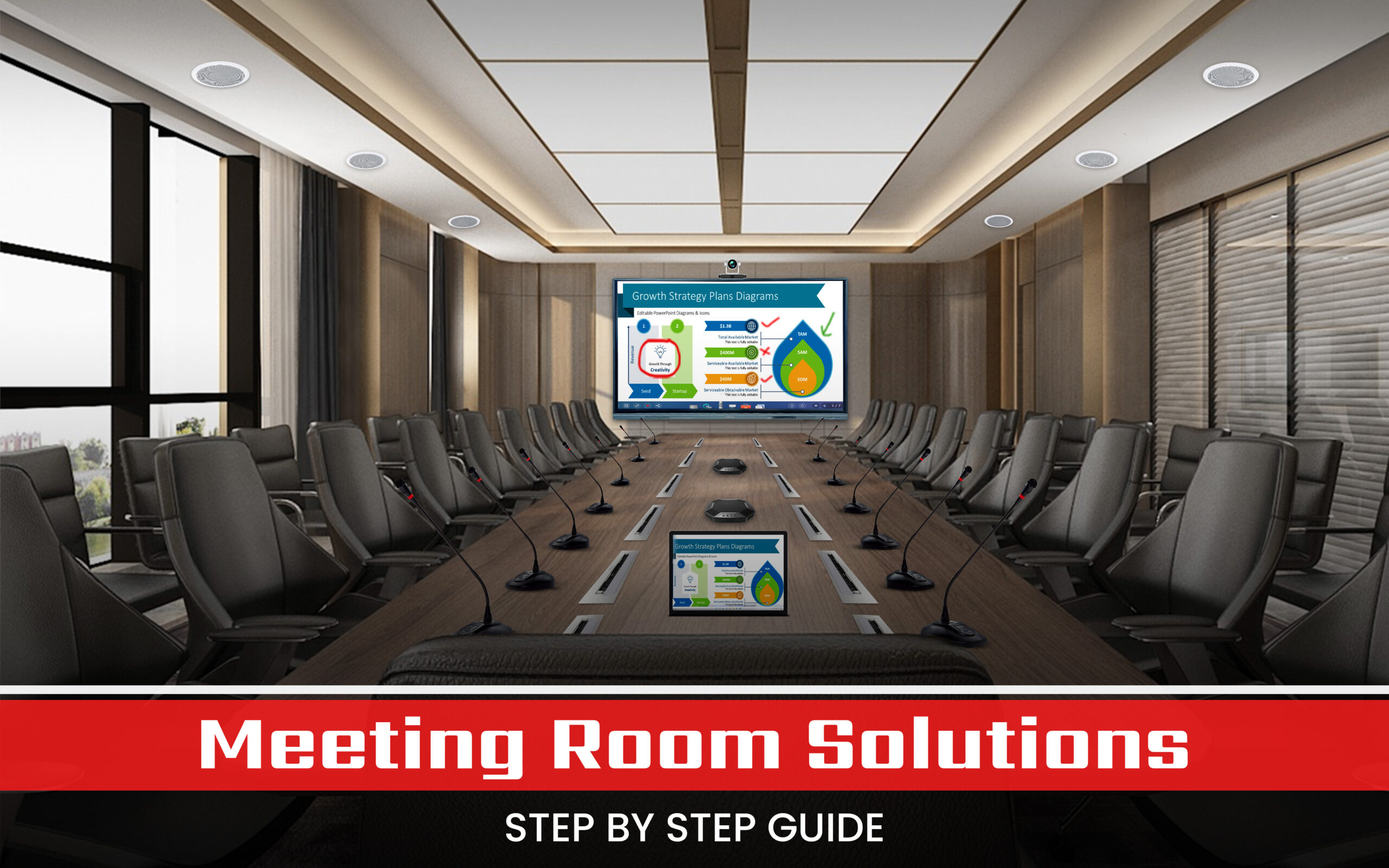
The modern workplace is undergoing a rapid transformation, with technology at its core. Meeting room solution are now crucial in transforming what was once a static space for discussions into a dynamic hub for collaboration, innovation, and productivity. To harness the full potential of this critical environment, businesses must invest in sophisticated meeting room solutions. This comprehensive guide will delve into the intricacies of designing, implementing, and managing state-of-the-art meeting rooms that cater to diverse organisational needs
Before embarking on the journey of creating a modern meeting room solution, it’s essential to grasp the evolving dynamics of workplace collaboration. The ideal meeting room today must accommodate a spectrum of interaction styles, from traditional in-person gatherings to hybrid and fully virtual meetings.
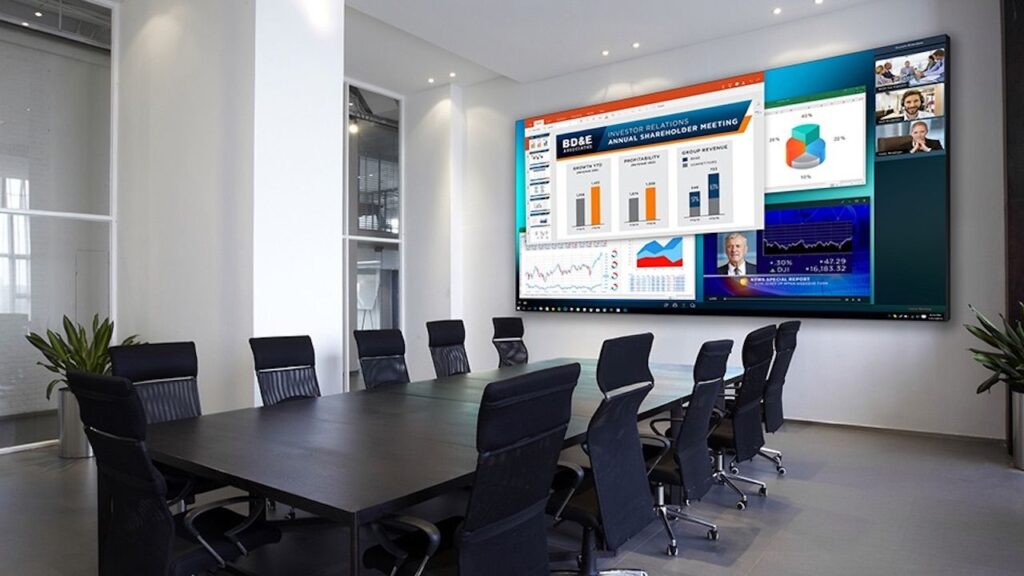
LED Screen For Meeting Room
LED and LCD displays are the cornerstone of modern meeting room solutions. These high-resolution displays offer excellent image quality and versatility. When selecting displays, consider factors like size, aspect ratio, and brightness. Direct view LED displays provide vibrant colors and high contrast, making them ideal for large rooms. LCD panels are more common due to their cost-effectiveness and high-quality image reproduction. Video walls, composed of multiple LCD or LED panels, are perfect for creating large, seamless displays.
Projectors are ideal for large spaces or when flexibility in screen size is required. Digital Light Processing (DLP) projectors offer high contrast ratios and are less susceptible to motion blur. LCD projectors provide vivid colors and sharp images. Laser projectors, known for their long lifespan and consistent brightness, are becoming increasingly popular.
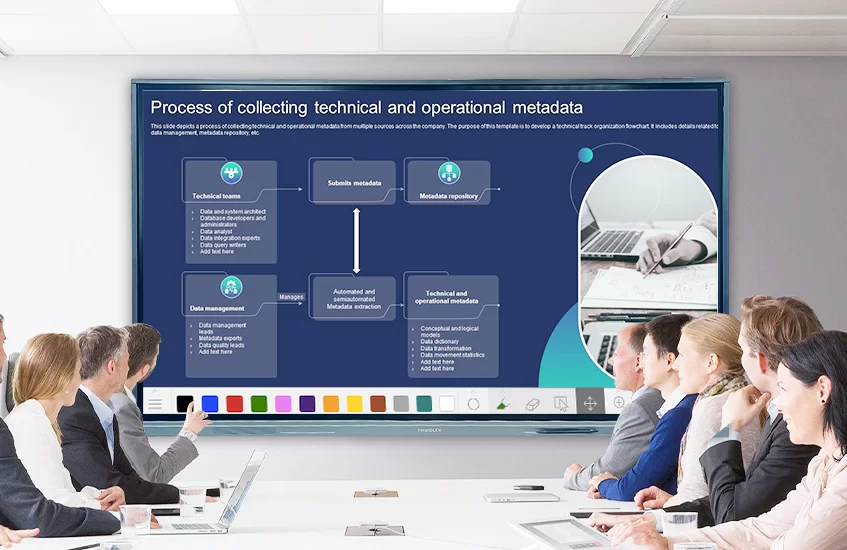
Interactive Flat Panel Display For Meeting Room
Interactive panels combine the functionality of a traditional whiteboard with digital capabilities. They support touch sensitivity, allowing users to write, draw, and interact with content directly on the board. Annotation tools enable participants to highlight and comment on shared content. Cloud-based whiteboards facilitate remote collaboration by allowing multiple users to contribute in real time.
Clear audio capture is essential for effective communication. Ceiling microphones are unobtrusive and provide even coverage across the room. Table-top microphones are ideal for smaller spaces and can be easily moved. Handheld and lapel microphones offer flexibility for presenters. Advanced features like noise cancellation and beamforming technology enhance audio quality by filtering out background noise and focusing on the speaker’s voice.
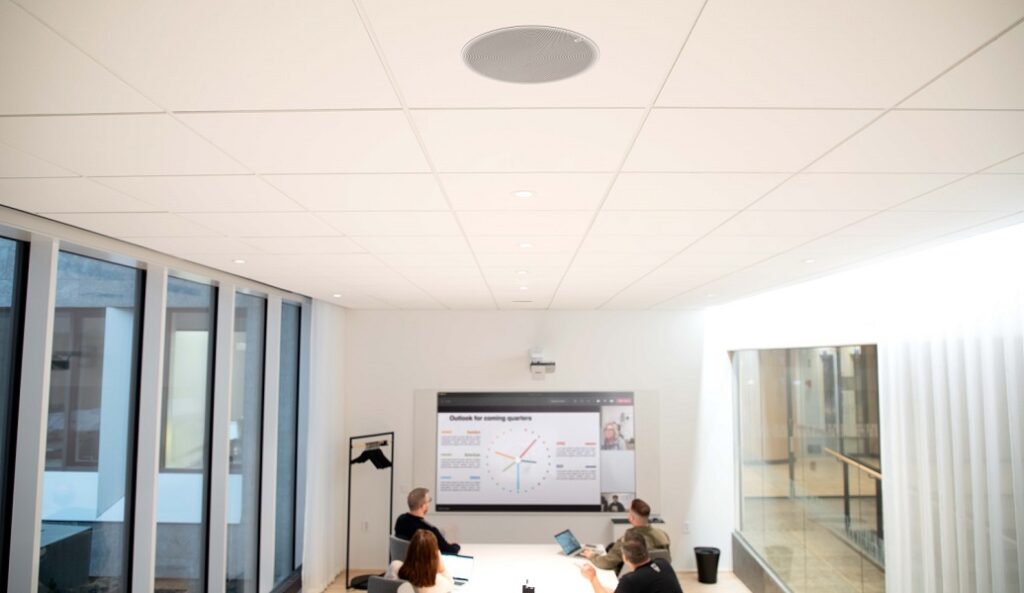
Meeting Room Setup With Ceiling Speakers & Mic
High-quality speakers ensure that audio is clearly heard by all participants. Ceiling speakers distribute sound evenly and are aesthetically pleasing. Wall-mounted speakers are suitable for rooms with limited floor space. Standalone speakers offer flexibility and can be positioned as needed. Integration with audio conferencing systems ensures seamless communication with remote participants.
Audio conferencing systems enable seamless communication with remote participants. Cloud-based solutions offer flexibility and scalability, while on-premise systems provide greater control over data security. Hybrid solutions combine the benefits of both. Key features like noise reduction, echo cancellation, and automatic gain control enhance audio quality and ensure clear communication.
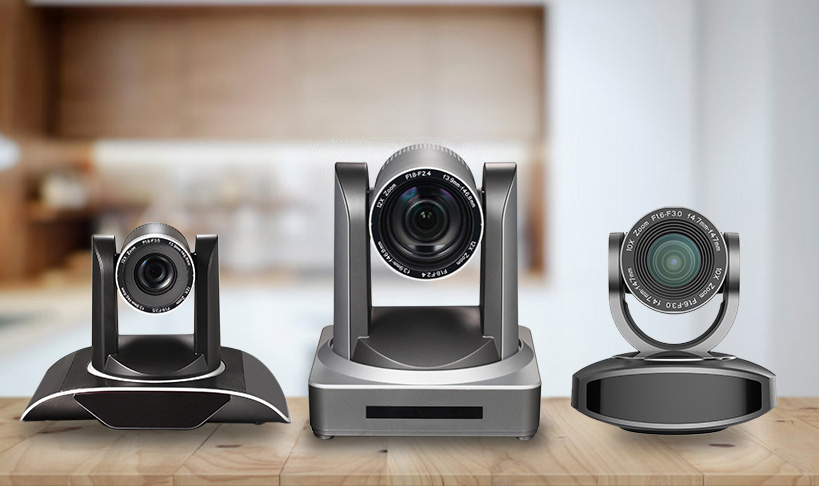
PTZ Cameras For Meeting Room Solution
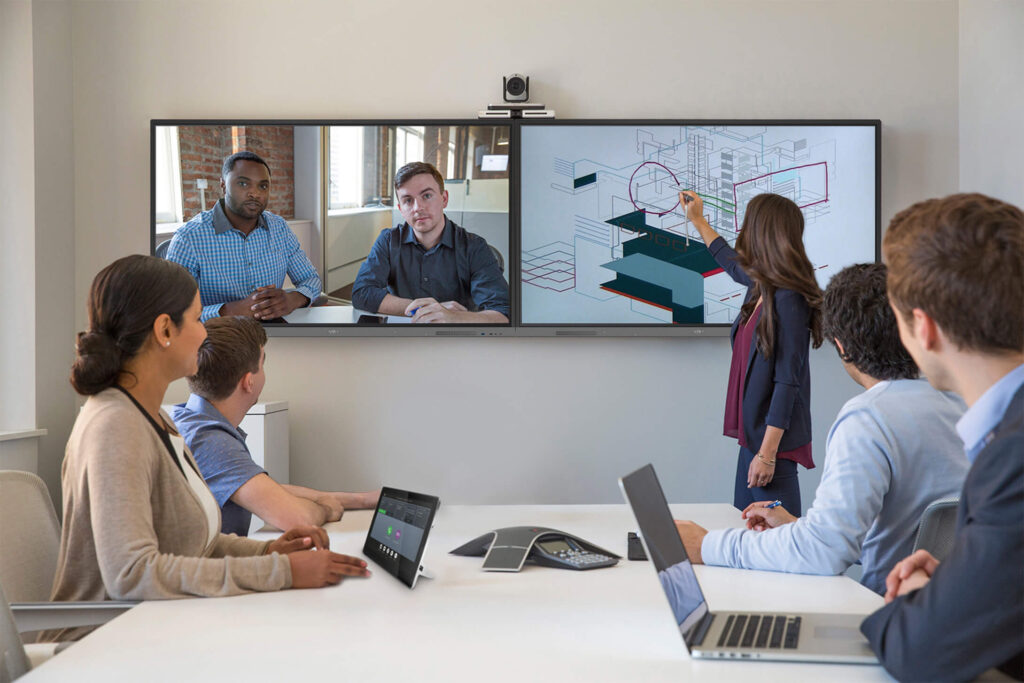
High-quality video is crucial for effective virtual meetings. Pan-Tilt-Zoom (PTZ) cameras offer flexibility by allowing remote control of the camera’s position and zoom. Fixed cameras provide a consistent view and are easy to set up. Panoramic cameras capture a wide field of view, making them ideal for large meeting rooms. Features like autofocus and low-light performance ensure clear video in various lighting conditions.
Video conferencing platforms provide the software infrastructure for virtual meetings. Cloud-based platforms offer accessibility from anywhere and are easy to scale. On-premise solutions provide greater control over data security and integration with existing systems. Hybrid platforms combine the benefits of both. Features like screen sharing, whiteboarding, and real-time collaboration tools enhance the meeting experience.
Control panels simplify room management with user-friendly interfaces. Touchscreens offer intuitive control and customizable layouts, allowing users to quickly access the functions they need. Keypads provide a simple, reliable interface for basic controls. Remote controls offer flexibility and convenience. Integration with other systems, such as lighting and HVAC, allows for seamless operation.
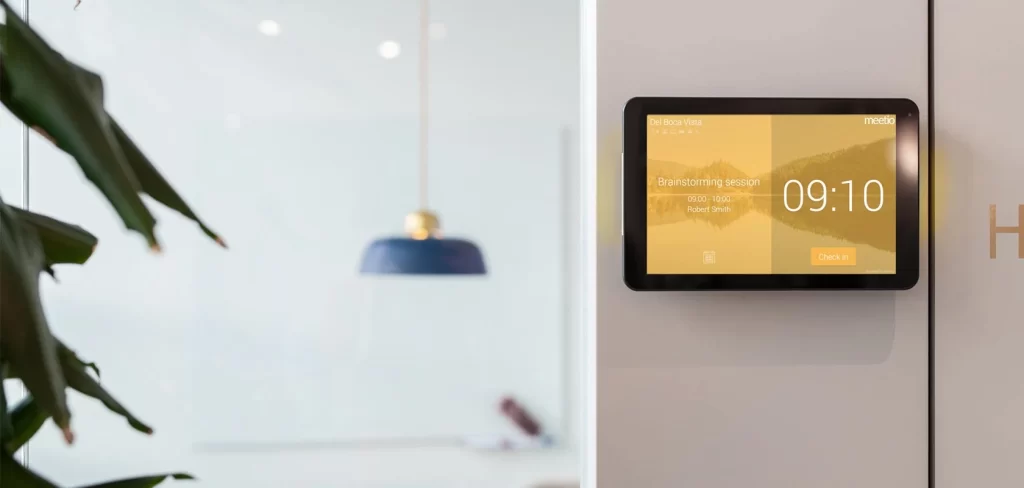
Room Scheduling Systems For Meeting Room
Room scheduling systems optimise room utilisation and booking. Cloud-based solutions offer accessibility from anywhere and easy integration with other tools. On-premise systems provide greater control over data security. Hybrid solutions combine the benefits of both. Key features include real-time availability, booking notifications, and integration with calendars, ensuring that meeting rooms are used efficiently.
Room PCs or laptops provide the computing power needed for presentations and applications. When selecting these devices, consider factors like processing power, storage capacity, and compatibility with the operating systems used in your organisation. Ensure that the devices can handle the demands of video conferencing, content sharing, and other meeting activities.
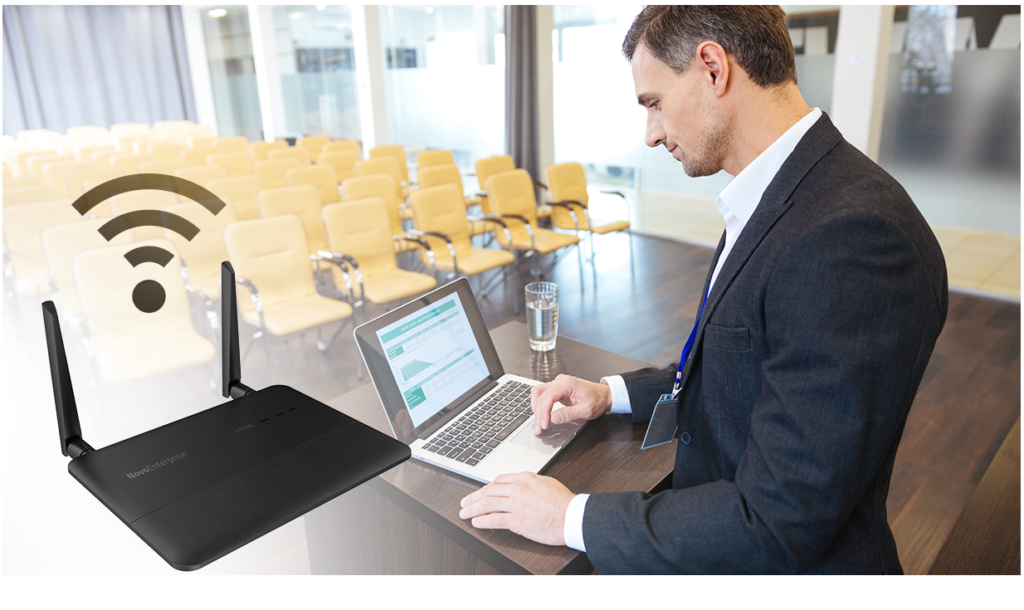
Wireless Connectivity Setup For Meeting Room
Wireless presentation systems enable easy content sharing from personal devices. Screen mirroring allows users to display their screens on the meeting room display without the need for cables. Wireless dongles offer a simple, plug-and-play solution for presentations. Cloud-based solutions provide flexibility and remote access. Key features include secure connections, high-definition video, and support for multiple devices.
Reliable connectivity is essential for a modern meeting room solution. Ensure that your networking infrastructure includes high-quality Wi-Fi access points, network switches, and cables. High-speed internet access is crucial for video conferencing and other online activities. Network security measures, such as firewalls and encryption, protect sensitive data. Redundancy ensures that the network remains operational even in the event of a failure.
Creating a truly exceptional meeting room solution involves more than simply installing the latest technology. It requires a holistic approach that considers user needs, aesthetics, and ergonomics.
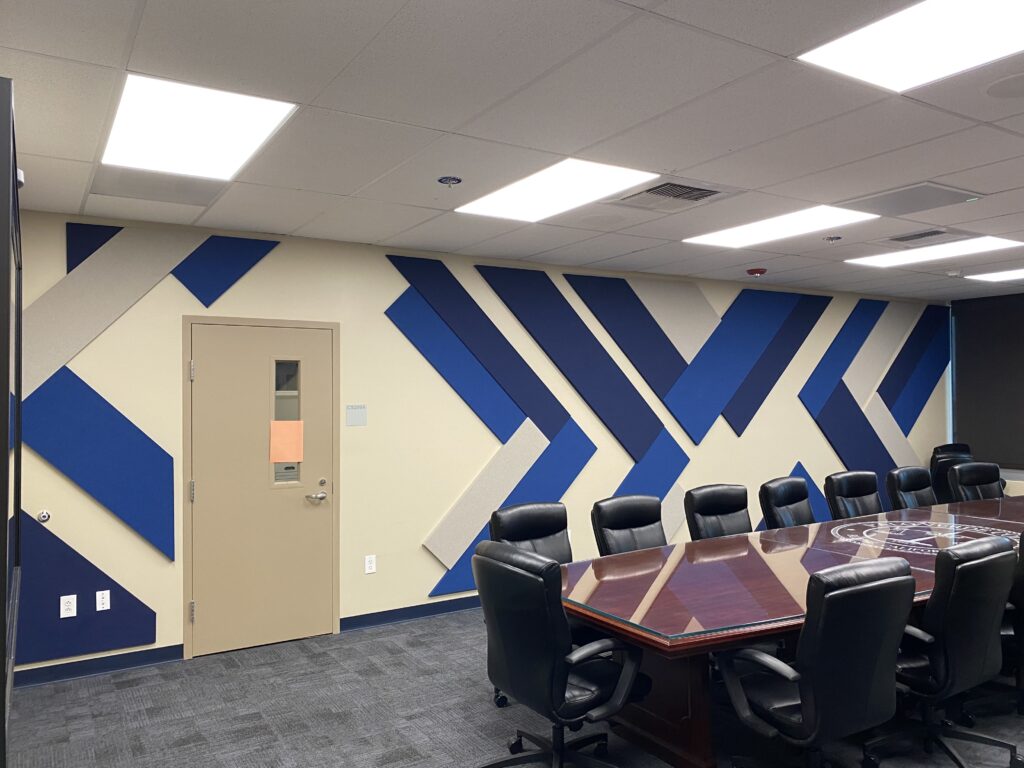
Sound Proof Wall Acoustics with Aesthetic Design
Successful implementation and management of meeting room solutions require careful planning and execution.
Today’s workplaces demand faster collaboration, seamless communication, and efficient use of meeting spaces. A well-designed meeting room solution helps organizations eliminate common challenges such as delayed meetings, connectivity issues, poor audio quality, and inefficient room utilization.
By integrating advanced display technologies, video conferencing systems, room scheduling software, and collaboration tools, businesses can create productive meeting environments that support both in-office and remote teams.
Modern meeting room solutions enable employees, clients, and remote participants to collaborate in real time through interactive displays, wireless screen sharing, and video conferencing platforms.
Meetings start faster with automated room booking, one-touch conferencing, and centralized device management, reducing setup time and technical disruptions.
As hybrid work becomes the standard, meeting room technology ensures seamless communication between in-office and remote teams, helping organizations maintain efficiency and engagement.
Meeting room booking systems provide real-time room availability and usage analytics, helping businesses maximize the utilization of office spaces.
High-quality audio, video, and presentation systems create a professional meeting experience for internal discussions, client presentations, and executive board meetings.
A complete meeting room solution typically includes the following technologies:
Interactive displays enable teams to present, annotate, brainstorm, and collaborate directly on-screen. These displays replace traditional projectors and whiteboards with a more engaging and productive solution.
Integrated video conferencing equipment allows businesses to connect with remote employees, customers, and partners through platforms such as Microsoft Teams, Zoom, and Google Meet.
Wireless content sharing eliminates cable clutter and enables users to instantly present content from laptops, tablets, and smartphones.
Digital room scheduling displays and booking software help employees reserve meeting spaces efficiently while providing real-time room availability.
Professional microphones, speakers, cameras, and collaboration tools ensure clear communication and effective participation during meetings.
Enable seamless collaboration between departments, branches, and remote teams.
Support virtual consultations, administrative meetings, and training sessions with secure communication systems.
Facilitate hybrid learning, faculty meetings, and interactive presentations.
Improve collaboration, presentations, and decision-making through secure meeting environments.
Connect multiple locations for operational reviews, project discussions, and management meetings.
Selecting the right meeting room technology depends on room size, collaboration requirements, and business objectives.
| Meeting Room Size | Recommended interactive Panel Size |
|---|---|
| 4-6 Participants | 55″ Display |
| 6-10 Participants | 65″ Display |
| 10-15 Participants | 75″ Display |
| 15-30 Participants | 86″ Display |
| 30+ Participants | 98″ Display + |
Businesses should also evaluate:
Hybrid workplaces require technology that enables equal participation for both remote and in-office employees. Modern meeting room solutions help organizations maintain productivity, reduce travel costs, improve communication, and support flexible work environments.
Companies implementing smart meeting room technology often experience improved collaboration efficiency, better employee engagement, and more effective decision-making processes.
Firstouch delivers comprehensive meeting room solutions designed for modern workplaces. From interactive displays and video conferencing systems to room booking technology and collaboration tools, our solutions help organizations create smarter, more productive meeting environments.
With expertise in enterprise displays, digital collaboration technologies, and workplace communication systems, Firstouch supports businesses across corporate offices, educational institutions, healthcare facilities, government organizations, and industrial sectors throughout India.
Whether you are planning a small huddle room, executive boardroom, training facility, or large conference room, our team can design and implement a customized meeting room solution tailored to your operational requirements.
The evolution of meeting room technology is ongoing, with new innovations emerging constantly.
The average cost of a meeting room solution setup in India (10-12 seater) can vary widely depending on the components and technology chosen. Here’s a rough breakdown for a standard setup:
For a fully integrated, mid-range meeting room setup, the estimated cost would be around ₹3,00,000 to ₹5,00,000. Higher-end setups with advanced features can go up to ₹10,00,000 or more.
By investing in thoughtfully designed and well-managed meeting room solution, organisations can significantly enhance collaboration, productivity, and employee satisfaction. By staying informed about the latest trends and best practices, you can create meeting spaces that empower teams to achieve their full potential.
BACK TO BLOG
we are always happy to help in ways that we can.


