
Blog
Read what's happening in FirstouchKiosk | Keep update yourself about best digital signage solution & technology. Learn how digital signage / digital kiosk / digital notice board and digital standees can help in your business growth.
Read what's happening in FirstouchKiosk | Keep update yourself about best digital signage solution & technology. Learn how digital signage / digital kiosk / digital notice board and digital standees can help in your business growth.
 Touch Screen Kiosk |
  8th Oct 2025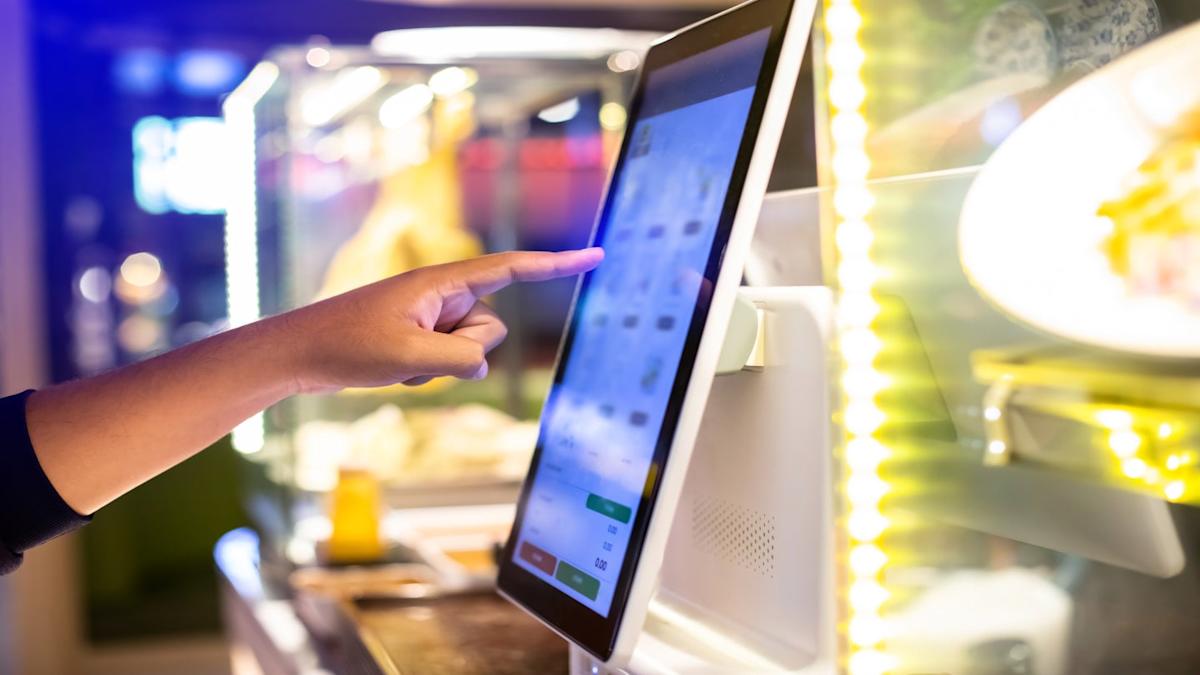
It’s lunchtime at a bustling downtown café. The line snakes out the door, customers check their watches impatiently, and the staff scrambles to keep up with orders, payments, and special requests. Chaos reigns—until you notice a sleek, glowing touchscreen tucked in the corner. A customer walks up, taps a few buttons, customizes their avocado toast with extra chili flakes, adds a cold brew, pays instantly with Apple Pay, and walks away with a digital receipt—all in under two minutes. No waiting. No miscommunication. Just seamless, satisfying service.
That’s the power of self-service kiosks.
Once considered the exclusive domain of high demand places like QSR’s, Indian Airports, or Supermarket, self-service kiosks have undergone a quiet revolution. Thanks to plummeting hardware costs, smarter software, and rising customer expectations, these interactive digital stations are now within reach of small and medium-sized businesses (SMBs)—from neighborhood pizzerias to boutique clinics and local retail stores.
But this isn’t just about technology for technology’s sake. It’s about meeting a fundamental shift in consumer behavior. Today’s customers—especially Millennials and Gen Z—don’t just want convenience; they demand it. They expect speed, personalization, control, and frictionless experiences. Businesses that fail to adapt risk not only losing sales but also becoming irrelevant in an increasingly digital-first marketplace.
This comprehensive guide explores the world of self-service kiosks: what they are, why they matter, how they benefit both customers and businesses, common misconceptions, real-world success stories, and—most importantly—a practical, step-by-step roadmap for implementation. Whether you run a café, a medical practice, a clothing boutique, or a service center, this article will equip you with the knowledge to decide if kiosks are right for your business—and how to deploy them effectively.
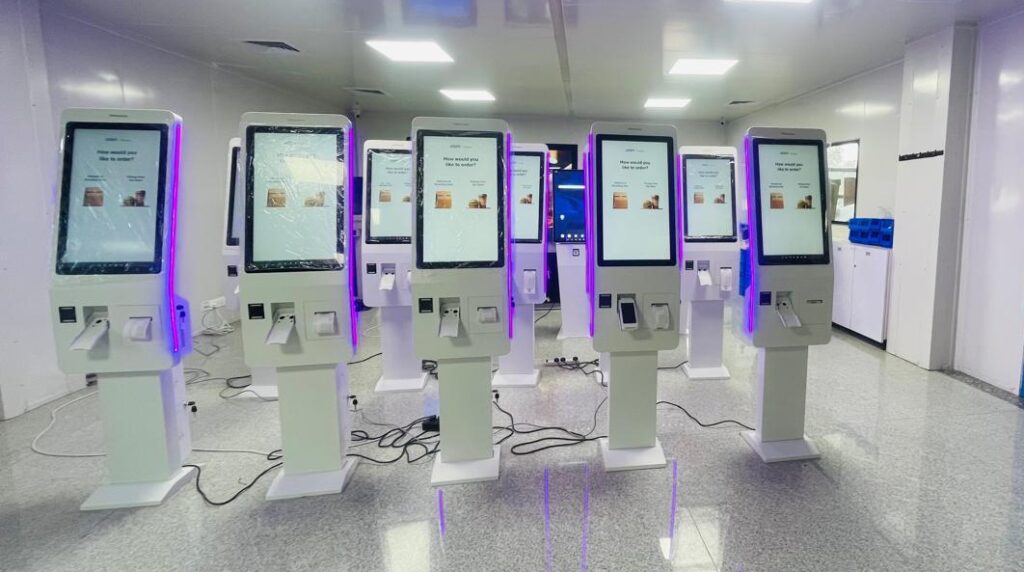
At their core, self-service kiosks are interactive digital terminals that empower customers to complete tasks independently, without direct staff assistance. Think of them as a hybrid between a smartphone app and a helpful employee—available 24/7, never tired, and always consistent.
Self-Service kiosks typically feature
Unlike static digital signage, kiosks are interactive—they respond to user input and guide customers through a complete transaction or information journey.
Not all kiosks are created equal. The right type depends entirely on your business model and customer journey. Here are the four most common categories:
Where you’ll find them: Quick-service restaurants (QSRs), cafés, food courts, movie theaters.
What they do: Display digital menus, allow item customization, process payments, and send orders directly to the kitchen or fulfillment team.
Example: McDonald’s “Create Your Taste” kiosks let customers build gourmet burgers with dozens of topping combinations—something impractical to do verbally during rush hour.
Where you’ll find them: Hospitals, dental clinics, hotels, airports, co-working spaces.
What they do: Verify identity, update contact info, confirm appointments, sign digital consent forms, and print visitor badges or boarding passes.
Impact: Reduces front-desk congestion and frees administrative staff for higher-value tasks like patient care or guest relations.
Where you’ll find them: Malls, museums, university campuses, government offices, tourist centers.
What they do: Provide wayfinding (maps and directions), event schedules, product details, or emergency protocols. Often include accessibility features like screen readers or tactile buttons.
Bonus: Many now integrate QR code scanners—visitors can scan a code to save info to their phone.
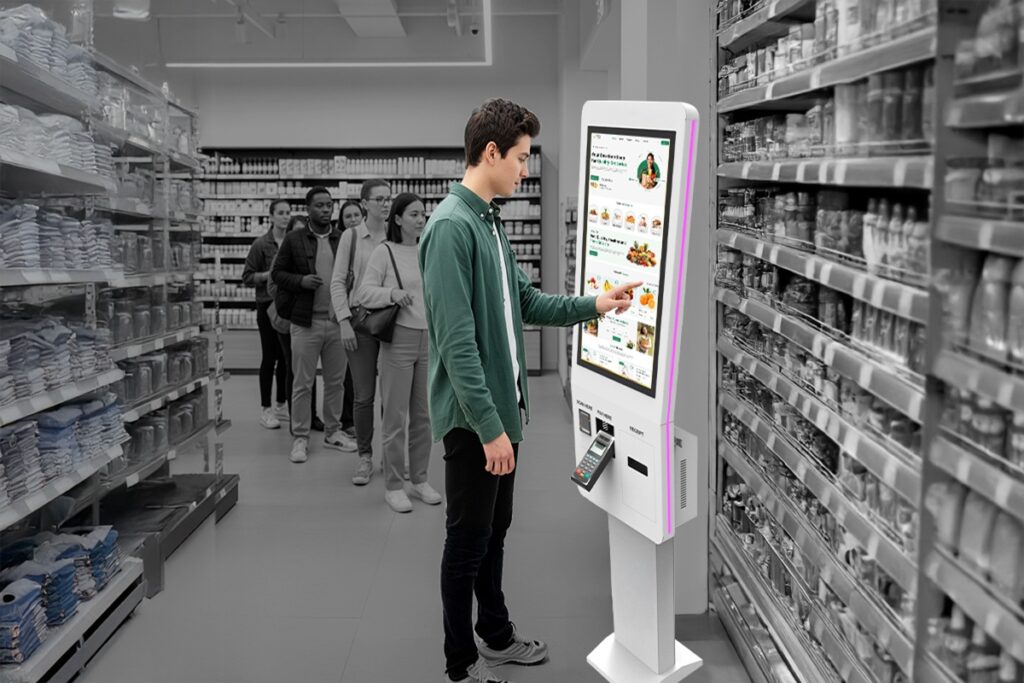
Where you’ll find them: Grocery stores, pharmacies, convenience stores, big-box retailers.
What they do: Allow customers to scan barcodes, weigh produce, apply coupons, and pay—all without a cashier.
Evolution: Modern versions include AI-powered cameras to prevent theft and “scan-as-you-shop” mobile integrations.
The adoption of self-service kiosks isn’t just a trend—it’s a structural shift. According to Allied Market Research, the global self-service kiosk market was valued at $22.7 billion in 2020 and is projected to reach $51 billion by 2030, growing at a compound annual growth rate (CAGR) of 8.5%.
This growth is fueled by:
From fast food to healthcare to banking, kiosks are becoming the new standard—not the exception.
It’s easy to assume kiosks are a cost-cutting tool for businesses. But their real power lies in customer satisfaction. When done right, kiosks enhance the user experience in ways human staff sometimes can’t.
Nobody enjoys waiting in line—especially when they’re hungry, in a hurry, or running late for an appointment. Self-Service Kiosks eliminate bottlenecks by allowing parallel processing: while one customer pays at the register, another can place an order on a kiosk.
Starbucks reported a 40% reduction in wait times after rolling out mobile order + kiosk systems in high-traffic urban stores.
A PwC survey found that 73% of consumers say they’d use self-service options if available—and 59% would switch brands for a better self-service experience.
Some transactions feel awkward when done in public. Ordering a sensitive medical test. Buying adult products. Paying a late utility bill. Self-Service Kiosks offer a judgment-free zone.
Customers also appreciate the ability to:
Kiosks don’t call in sick. They don’t take lunch breaks. They don’t get flustered during rushes. In fact, they perform better under pressure—handling 10 orders per minute without breaking a sweat.
For businesses with extended hours or limited staffing (e.g., 24-hour gas stations, rural clinics), kiosks ensure consistent service quality at all times.
Digital natives—Millennials and Gen Z—grew up with smartphones, apps, and instant gratification. They don’t see kiosks as “impersonal”; they see them as efficient and modern.
Ignoring this demographic’s preferences is a strategic risk.
While labor savings are real, the true ROI of kiosks comes from revenue growth, operational efficiency, and data intelligence.
Long lines = lost customers. Studies show that 32% of diners will abandon a restaurant if the wait exceeds 10 minutes. Kiosks reduce perceived and actual wait times, keeping customers in the door.
A Chicago café saw a 20% increase in lunch orders after installing two Self ordering kiosks—not because they changed the menu, but because fewer people walked away due to the line.
In retail, faster checkout = higher impulse buys. Customers who breeze through are more likely to grab a candy bar or magazine on the way out.
Self-Service Kiosks automate repetitive, low-value tasks:
This reduces:
One QSR chain reported a 15% reduction in labor costs within six months of kiosk deployment—without laying off staff. Instead, employees were redeployed to food prep and customer engagement.
Humans forget to upsell. Self-Service Kiosks never do.
Smart kiosk software uses behavioral prompts to increase average order value (AOV):
Panera Bread saw a 20%+ increase in ticket size after introducing kiosks—primarily due to consistent, non-intrusive upselling.
Industry data shows kiosks can boost AOV by 10–25%, depending on the sector.
Every tap, swipe, and purchase generates valuable
Unlike guesswork, Self-Service kiosks data is objective, real-time, and actionable.
Need to handle 500 holiday shoppers? Add two more kiosks. Launching a new location? Deploy identical kiosk setups in days—not weeks.
Self-Service Kiosks scale faster and cheaper than hiring, training, and managing human staff. They’re also ideal for pop-up shops, food trucks, or seasonal businesses that need temporary capacity.
McDonald’s India
McDonald’s rolled out self-ordering kiosks across 200+ outlets in cities like Mumbai, Delhi, and Bengaluru.
Result:
Indian Railways (IRCTC)
Deployed 5,000+ UTS kiosks at stations nationwide for ticket booking and info.
Result:
Apollo Hospitals
Introduced Self check-in kiosks in major cities for Aadhaar-based registration and payments.
Result:
Reliance Smart & Fresh
Piloted self-checkout kiosks in urban stores.
Result:
Faasos (EatFit)
Added Food ordering kiosks in dine-in outlets.
Result:
Despite the benefits, many SMB owners hesitate. Let’s address the top objections:
What if customers find it confusing?
Solution: Prioritize user experience (UX).
Aren’t kiosks too expensive?
Solution: Entry-level systems are now highly affordable.
Will kiosks make my business feel impersonal?
Solution: Use Self-Service kiosks to enhance—not replace—human interaction.
Let machines handle transactions; let your staff focus on:
What if they break down?
Solution: Modern kiosks are built for reliability.
Ready to implement kiosks? Follow this practical plan:
Step 1: Define Your Goal
Ask: What problem are you solving?
Reduce lunchtime lines? → Order kiosk
Speed up patient intake? → Check-in kiosk
Cut cashier costs? → Self-checkout
Clarity here drives every other decision.
Step 2: Choose the Right Kiosk Type & Vendor
Look for:
Hardware durability (spill-resistant, vandal-proof)
Software flexibility (easy menu updates, promo scheduling)
POS integration (Square, Toast, Shopify, etc.)
Support & warranty
Popular SMB-friendly vendors: Firstouch Kiosk, KioWare, and Samsung Kiosk Solutions.
Step 3: Optimize Placement & Design
Place kiosks near entrances or high-traffic zones
Use clear signage: “Skip the Line—Order Here!”
Ensure adequate lighting and space
Keep the interface simple, visual, and fast
Step 4: Train Staff & Promote Adoption
Train employees to assist, not discourage, kiosk use
Offer incentives: “10% off your first kiosk order”
Collect feedback during the first month
Early adopters become your best advocates.
Step 5: Monitor, Analyze, Optimize
Track metrics like:
% of orders via kiosk
Average order value (kiosk vs. staff)
Customer satisfaction (via post-visit surveys)
Downtime incidents
Use insights to refine menus, prompts, and placement.
Kiosks shine brightest when integrated into a broader digital strategy:
Self-service kiosks are no longer a luxury for corporate giants. They’re a strategic necessity for any business that values efficiency, customer satisfaction, and growth.
They:
The question isn’t “Can I afford kiosks?”—it’s “Can I afford to wait?”
In a world where attention spans are short and competition is fierce, the businesses that thrive will be those that meet customers where they are: on a touchscreen, in control, and ready to engage.
BACK TO BLOG
we are always happy to help in ways that we can.


